נמוךLow
7,000-11,300 קרדיטים למודלcredits per model
תוכנית פשוטה ונקייה, או מבט ראשון מהיר על חלל. בשיחה: הזזות, מחיקות והחלפת חומרים.A simple, clean plan, or a quick first look at a space. In the chat: moves, removals and material swaps.
מדריכים קצרים ומעשיים: מההתקנה ועד הסיור הראשון, ואיך להוציא תוצאות טובות יותר בפחות קרדיטים.Short, practical guides: from install to your first tour, and how to get better results for fewer credits.
שבעה צעדים, מהקובץ שהורדתם ועד קישור לסיור שאפשר לשלוח ללקוח.Seven steps, from the file you downloaded to a tour link you can send a client.
מורידים את הקובץ מדף ההורדה. ב־SketchUp בוחרים Extensions › Extension Manager › Install Extension ומסמנים את הקובץ. סרגל Modelz מופיע, ו־1,000 קרדיטים כבר מחכים לכם.Get the file from the download page. In SketchUp choose Extensions › Extension Manager › Install Extension and pick the file. The Modelz toolbar appears, with 1,000 credits already waiting.
צריך SketchUp 2022 ומעלה, Windows 10 או 11 (64 ביט) וחיבור לאינטרנט.You need SketchUp 2022 or later, Windows 10 or 11 (64-bit) and an internet connection.
לוחצים MODELZ בסרגל ומתחברים עם Google או עם מייל וסיסמה. אחרי שמאמתים את המייל מצטרפים עוד 2,000 קרדיטים.Click MODELZ on the toolbar and sign in with Google or with email and a password. Once you verify your email, 2,000 more credits join your balance.
מחברים את המחשב לחשבון מתוך Modelz, דרך הדפדפן. כל מסלול מאפשר כמה מחשבים: Starter עד 2, Pro עד 3, Studio עד 5.Link this computer to your account from Modelz, through your browser. Each plan allows several computers: Starter up to 2, Pro up to 3, Studio up to 5.
ב־MODELZ מעלים תוכנית (PDF או תמונה) ובוחרים עומק. Modelz מציג מה מצא: קירות, פתחים, חדרים ומידות. בודקים, מתקנים אם צריך ומאשרים, והמודל נבנה בקבוצות מסודרות ובקנה מידה נכון.In MODELZ, upload a plan (PDF or image) and choose a depth. Modelz shows what it found: walls, openings, rooms and dimensions. Check it, correct anything, approve, and the model is built neatly grouped and to scale.
ריצת MODELZ עולה בדרך כלל 7,000-28,200 קרדיטים לפי העומק, ולא כלולה בקרדיטים של ההתקנה. יש לכם רק קרדיטים חינמיים? דלגו לצעדים 5 ו־6 על מודל קיים.A MODELZ run usually costs 7,000-28,200 credits depending on depth, and is not covered by the install credits. Only have free credits? Skip to steps 5 and 6 on a model you already have.
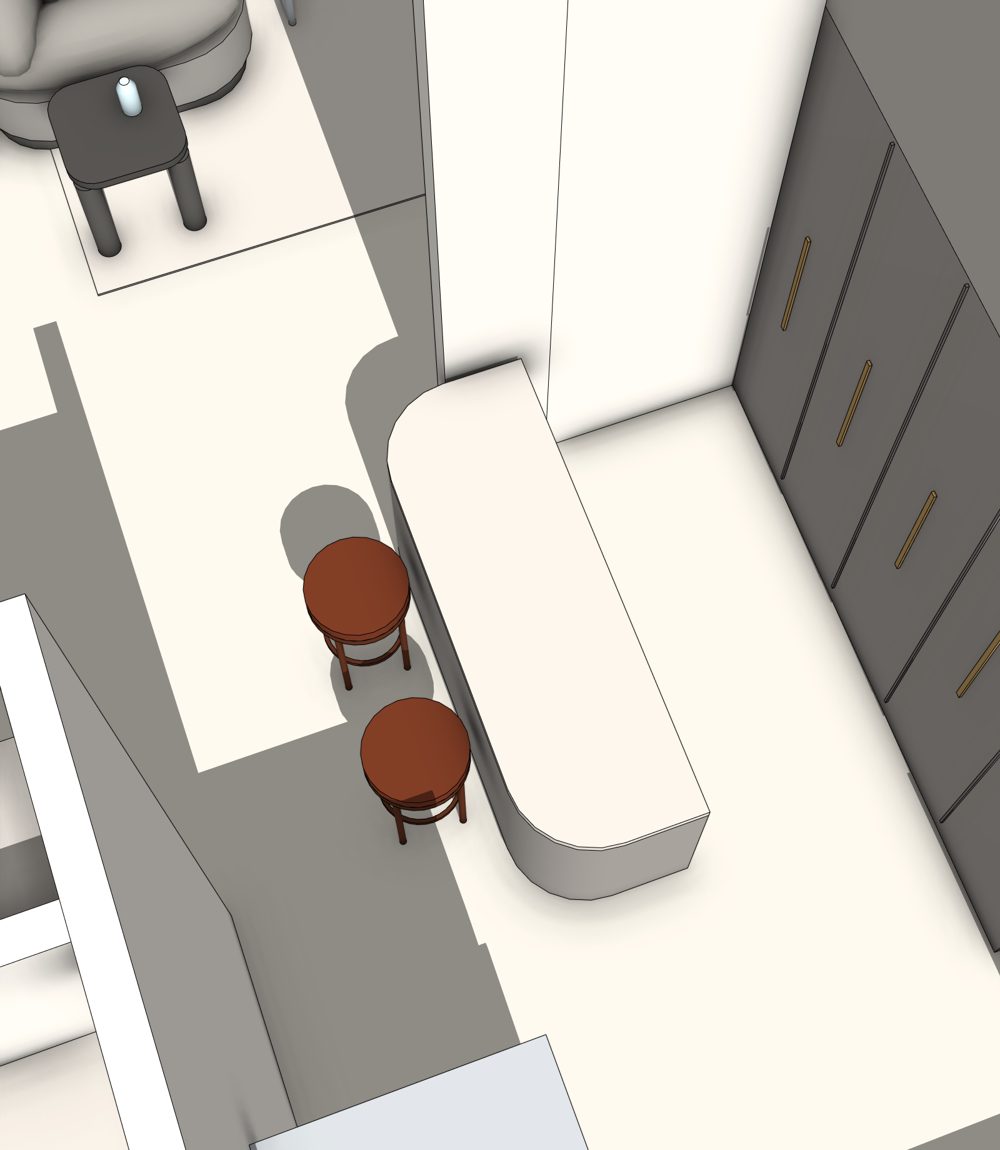
פותחים AGENTZ וכותבים שינוי אחד ברור, למשל "תוסיפו אי מטבח עם שני כיסאות בר". AGENTZ בונה, בודק את התוצאה ומציג הצעה. מאשרים, ואם התחרטתם, Undo אחד מחזיר הכול.Open AGENTZ and write one clear change, such as "add a kitchen island with two bar stools". AGENTZ builds, checks the result and shows a proposal. Approve it, and if you change your mind, one Undo brings everything back.
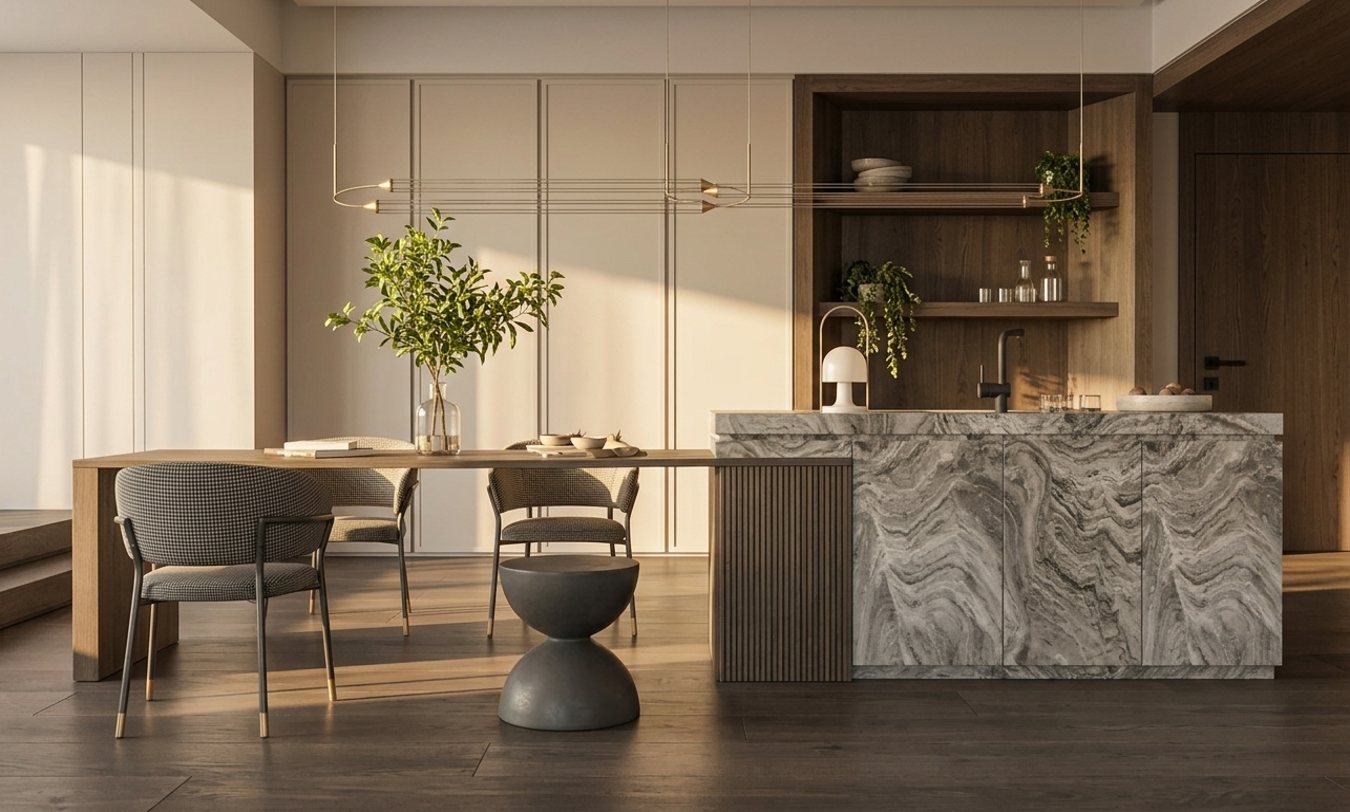
מכוונים את המבט במודל, פותחים RENDERZ, בוחרים סגנון וגודל. ההדמיה נוצרת מהמבט הנוכחי תוך שניות. לניסיון ראשון, 1K ב־85 קרדיטים מספיק.Frame the view in your model, open RENDERZ, pick a style and a size. The render is made from the current view in seconds. For a first try, 1K at 85 credits is plenty.
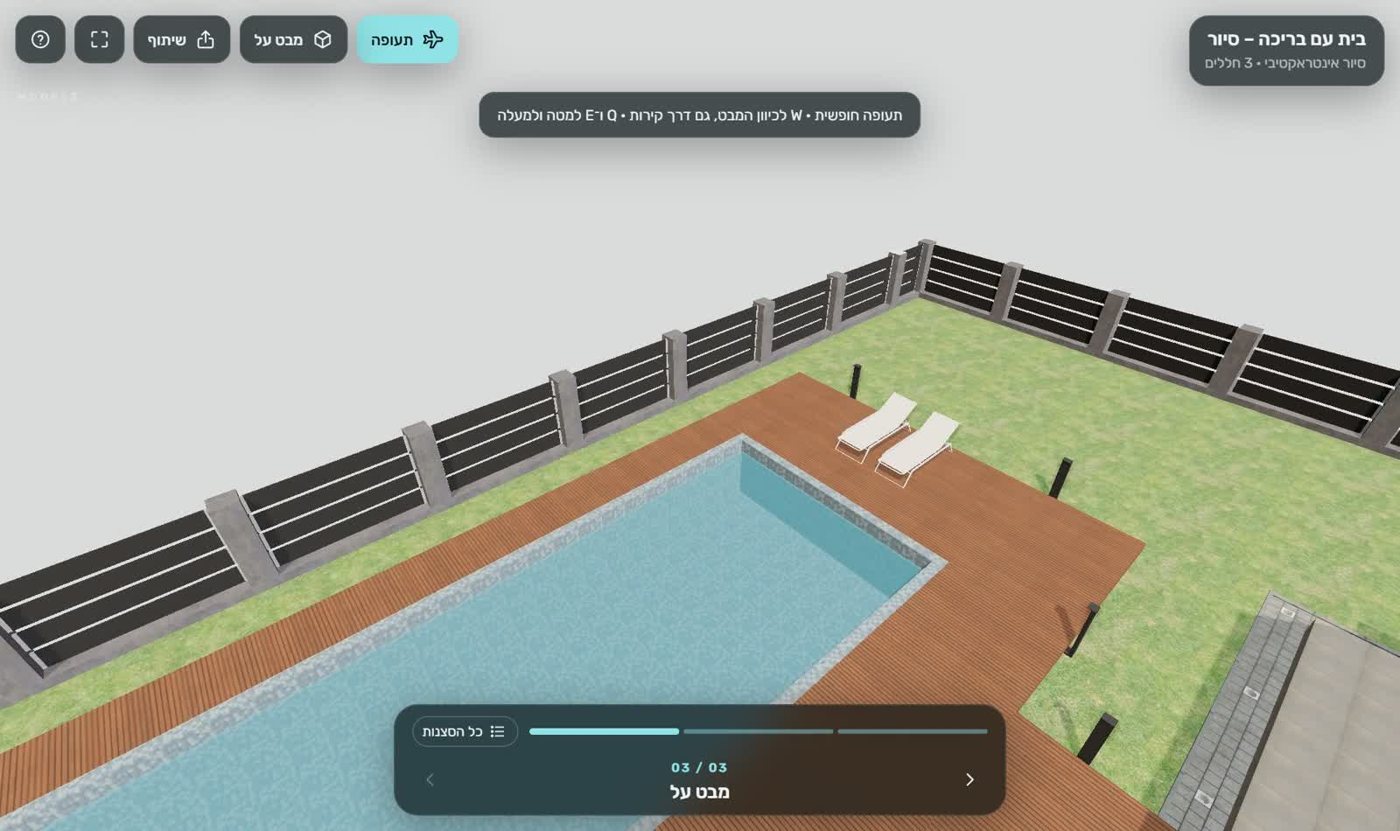
פותחים TOURZ ומפרסמים. מקבלים קישור שנפתח במחשב ובטלפון בלי התקנה, ושולחים אותו ללקוח.Open TOURZ and publish. You get a link that opens on desktop and phone with no install, ready to send to your client.
פרסום עולה 170 קרדיטים ועוד 11 לכל MB, עד 1,060, ולא כלול בקרדיטים של ההתקנה.Publishing costs 170 credits plus 11 per MB, up to 1,060, and is not covered by the install credits.
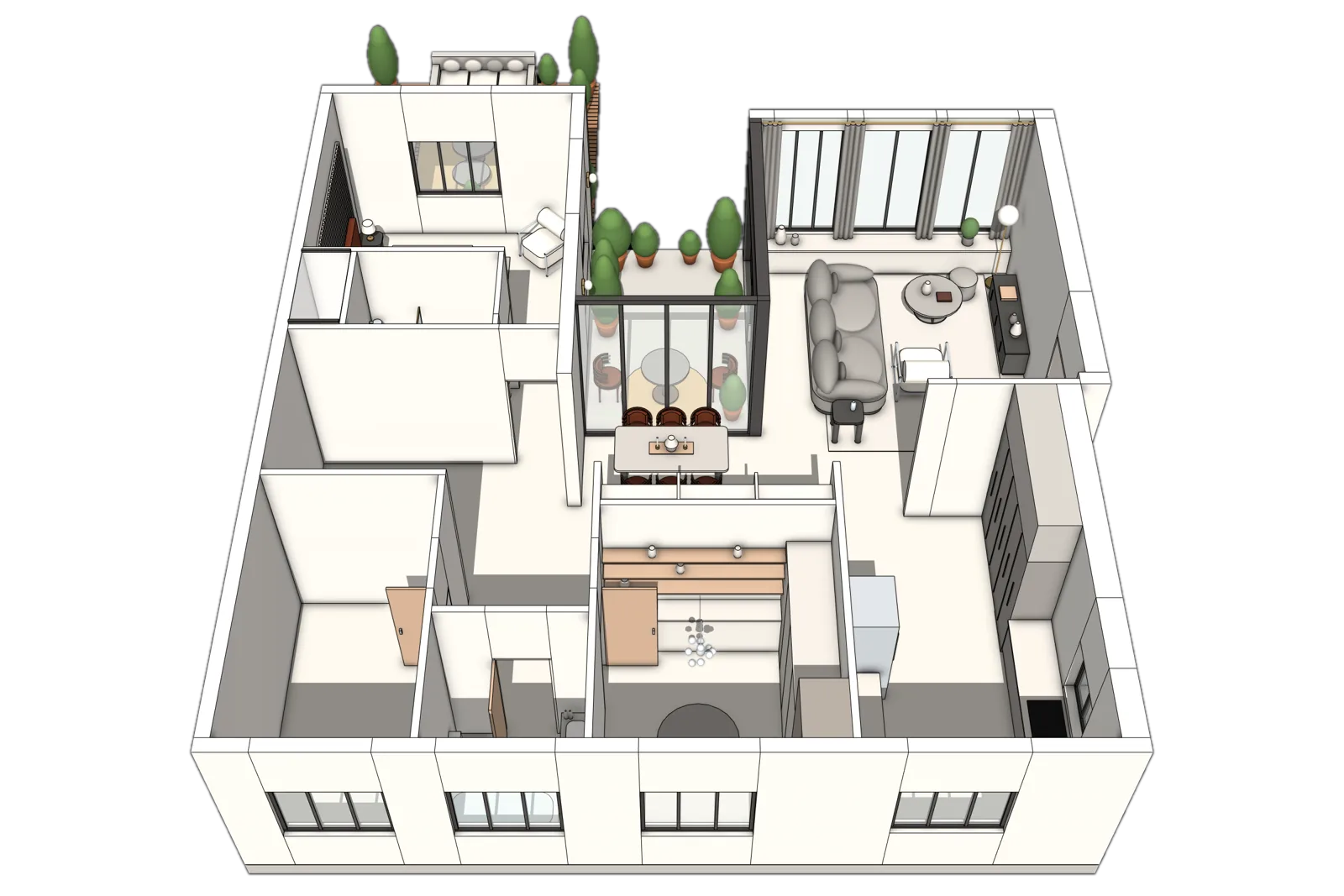
MODELZ קורא קירות, פתחים, חדרים ומידות. ככל שהתוכנית ברורה יותר, כך המודל מדויק יותר.MODELZ reads walls, openings, rooms and dimensions. The clearer the plan, the more accurate the model.
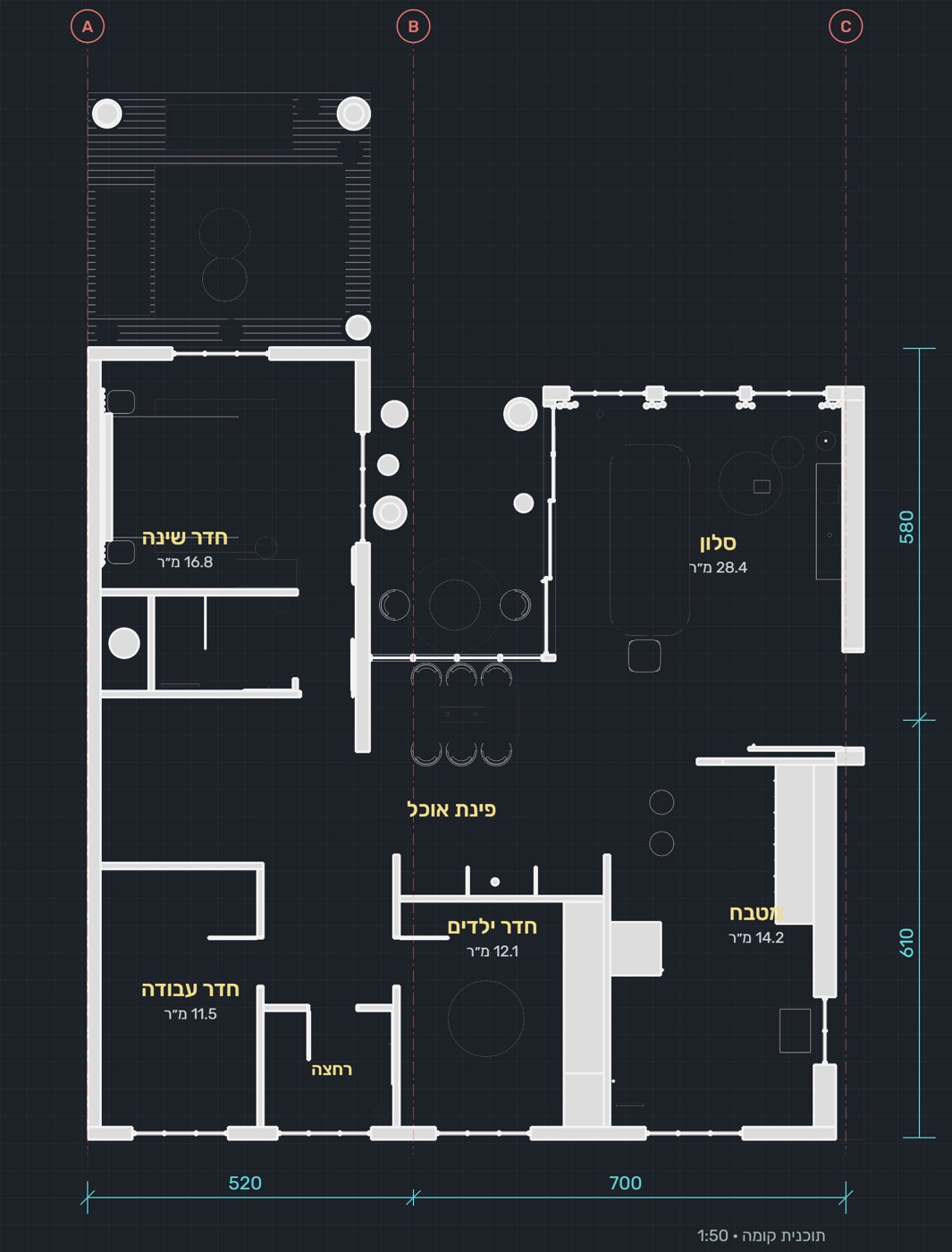
הצעד הכי חשוב: לבדוק לפני שמאשרים. Modelz מציג מה מצא בתוכנית לפני שהוא בונה. דקה של בדיקה כאן, של קירות, פתחים ומידות, חוסכת תיקונים אחר כך. התוכניות נשמרות ב־FOLDERZ ואפשר להשתמש בהן שוב.The most important step: check before you approve. Modelz shows what it found in the plan before it builds. A minute spent here on walls, openings and dimensions saves fixes later. Plans stay in FOLDERZ for reuse.
אין שפה מיוחדת. מה שעוזר הוא להיות ספציפיים: מה, איפה, וכמה. כותבים בעברית או באנגלית, כמו לעמית.There is no special language. What helps is being specific: what, where and how much. Write in Hebrew or English, as you would to a colleague.
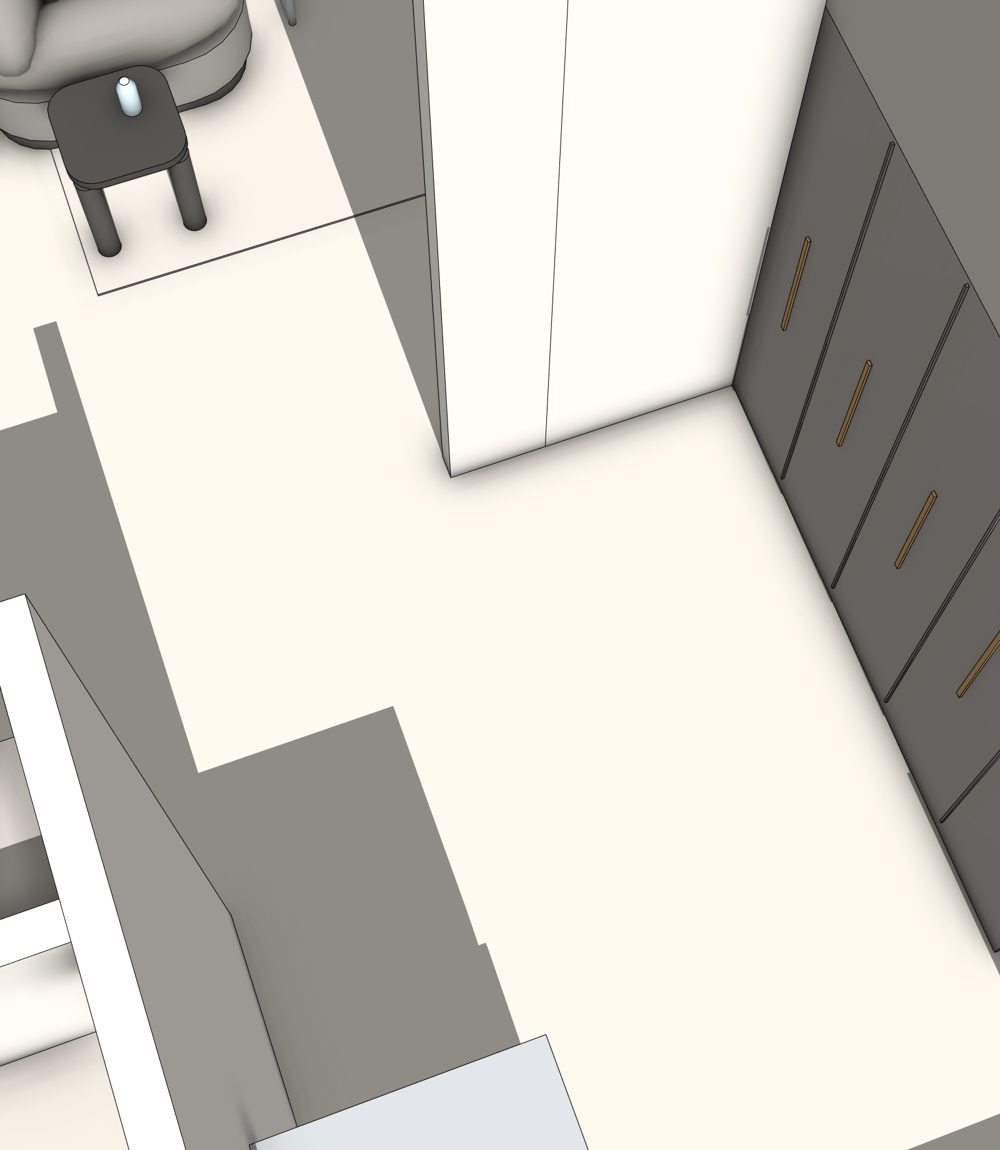
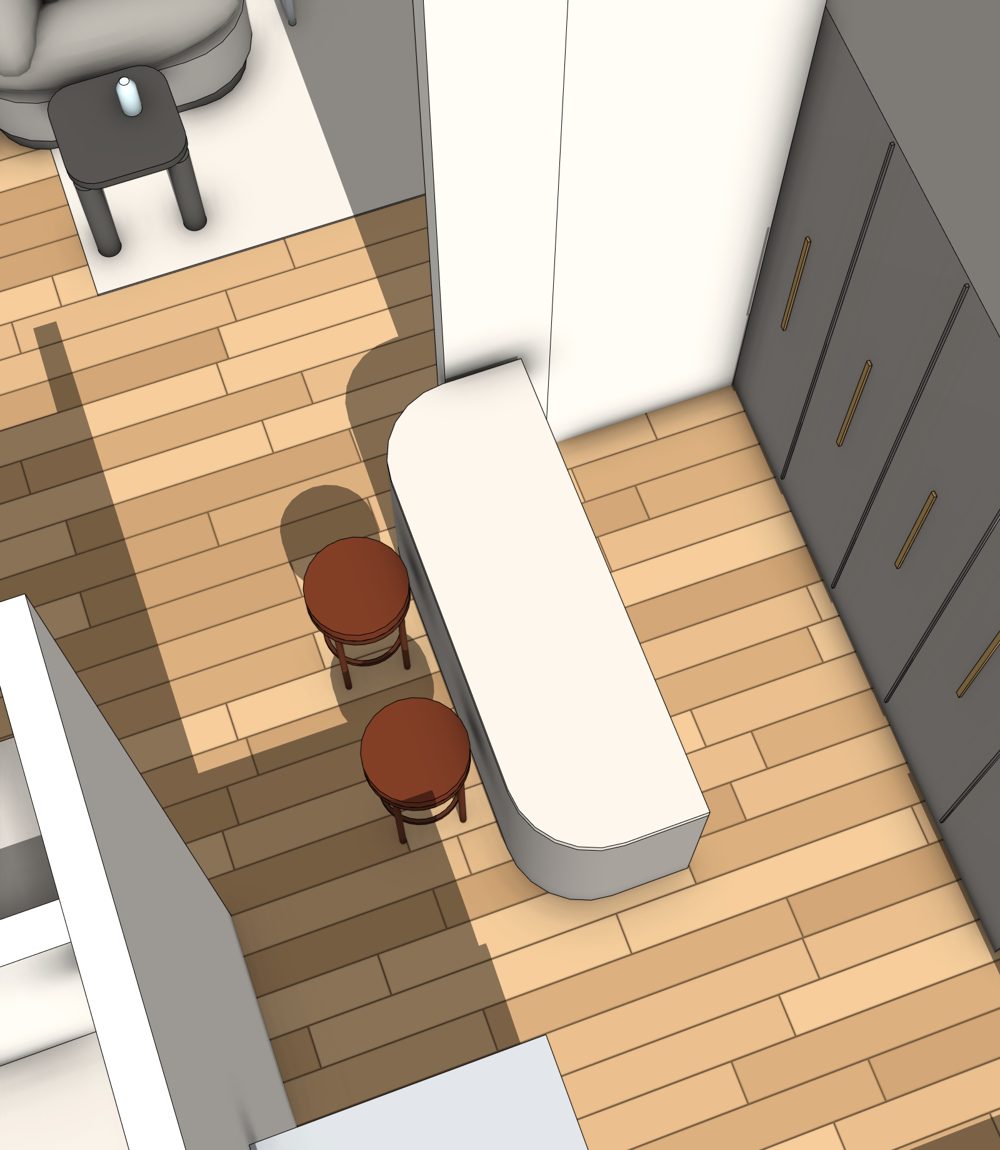
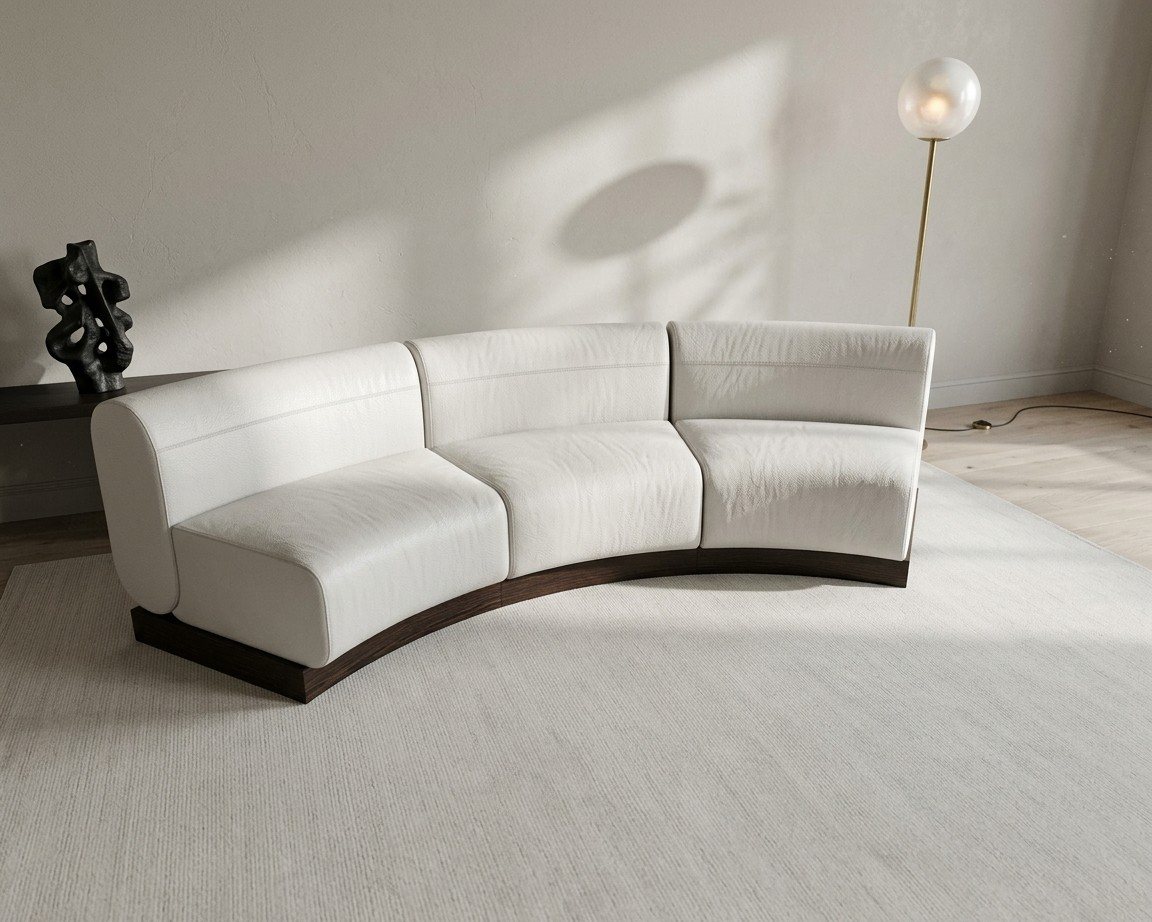
תמונה אחת חוסכת הרבה תיאור. יש שלושה מקומות להשתמש בה.One photo saves a lot of describing. There are three places to use one.

מצרפים תמונות השראה לצד התוכנית. אין תוכנית? אפשר לבנות מתמונה בלבד, והמידות יהיו הערכה.Add inspiration photos next to the plan. No plan? You can build from a photo alone, with estimated dimensions.

מצרפים תמונה של פריט וכותבים מה לבנות ואיפה לשים אותו.Attach a photo of an item and say what to build and where it goes.

מצרפים תמונת רפרנס כדי לכוון את האווירה של ההדמיה.Attach a reference image to steer the mood of the render.
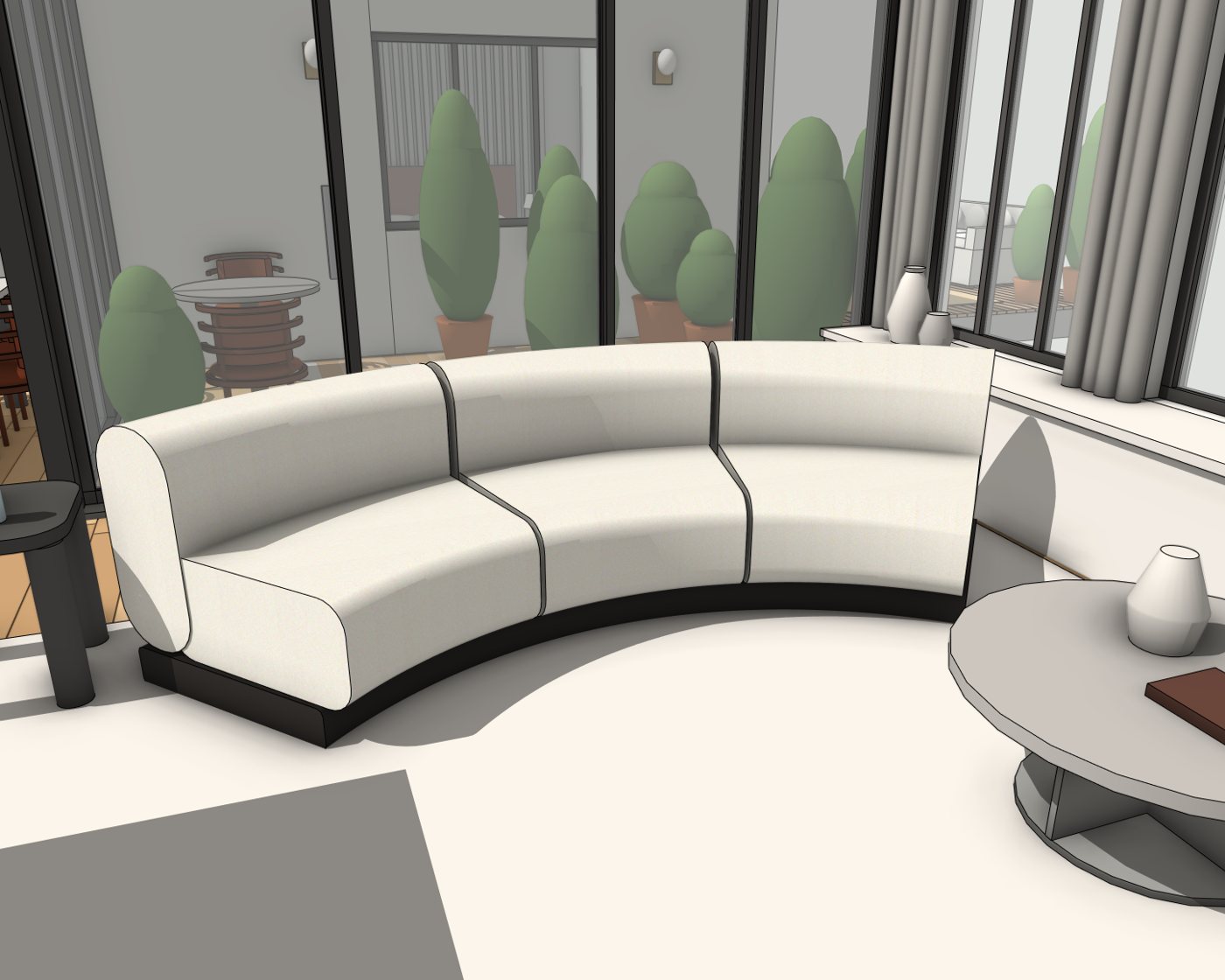
ב־MODELZ וב־AGENTZ בוחרים נמוך, בינוני או גבוה. יותר עומק אומר יותר פירוט ויותר בדיקות, ולכן גם יותר קרדיטים.In MODELZ and AGENTZ you choose low, medium or high. More depth means more detail and more checking, and so more credits.
7,000-11,300 קרדיטים למודלcredits per model
תוכנית פשוטה ונקייה, או מבט ראשון מהיר על חלל. בשיחה: הזזות, מחיקות והחלפת חומרים.A simple, clean plan, or a quick first look at a space. In the chat: moves, removals and material swaps.
11,300-18,300 קרדיטים למודלcredits per model
בחירה מאוזנת לרוב הדירות והבתים. בשיחה: הוספת פריטים ושינויים בכמה מקומות.A balanced choice for most apartments and houses. In the chat: adding items and changes in several places.
18,300-28,200 קרדיטים למודלcredits per model
תוכנית מורכבת, הרבה חדרים או כמה קומות. בשיחה: בניית פריטים חדשים עם הרבה פרטים.A complex plan, many rooms or several floors. In the chat: building new items with lots of detail.
עם 1,000 הקרדיטים של ההתקנה, השיחה זמינה בעומק נמוך ובינוני. טווח המחיר של כל פעולה מוצג לפני שהיא מתחילה.With the 1,000 install credits, the chat is available at low and medium depth. The range for each action is shown before it starts.
RENDERZ מרנדר את המבט הנוכחי. לכן קודם מכוונים מצלמה טובה, ורק אחר כך בוחרים סגנון.RENDERZ renders the current view. So frame a good camera first, then pick a style.
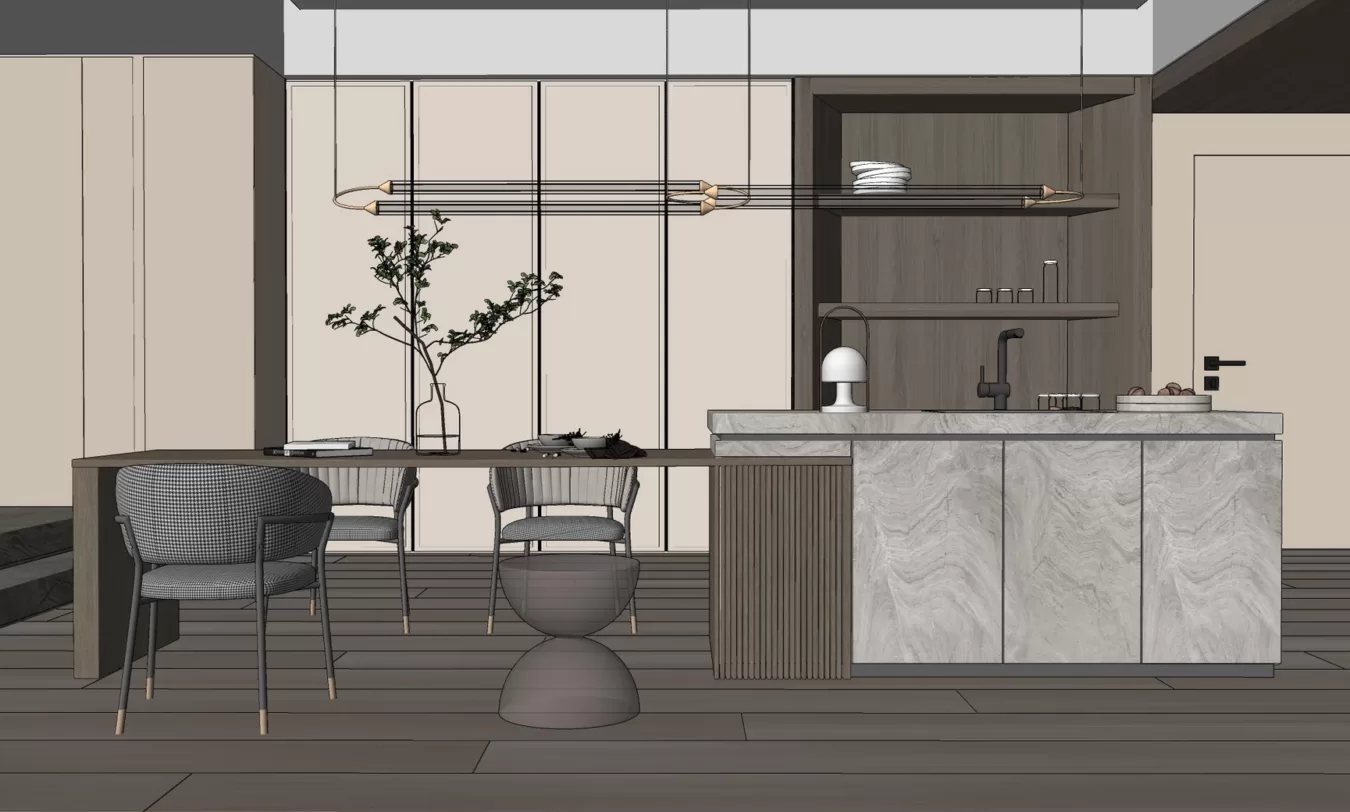
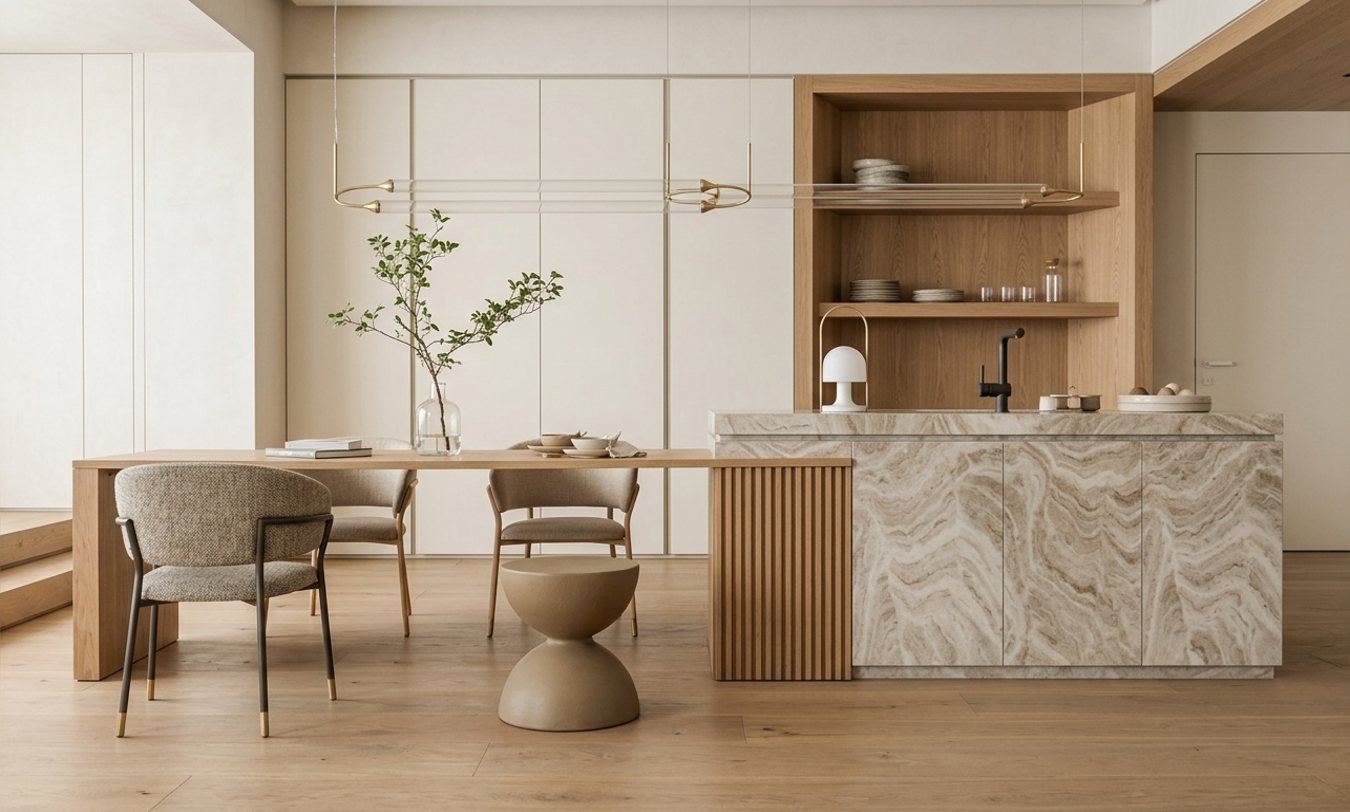
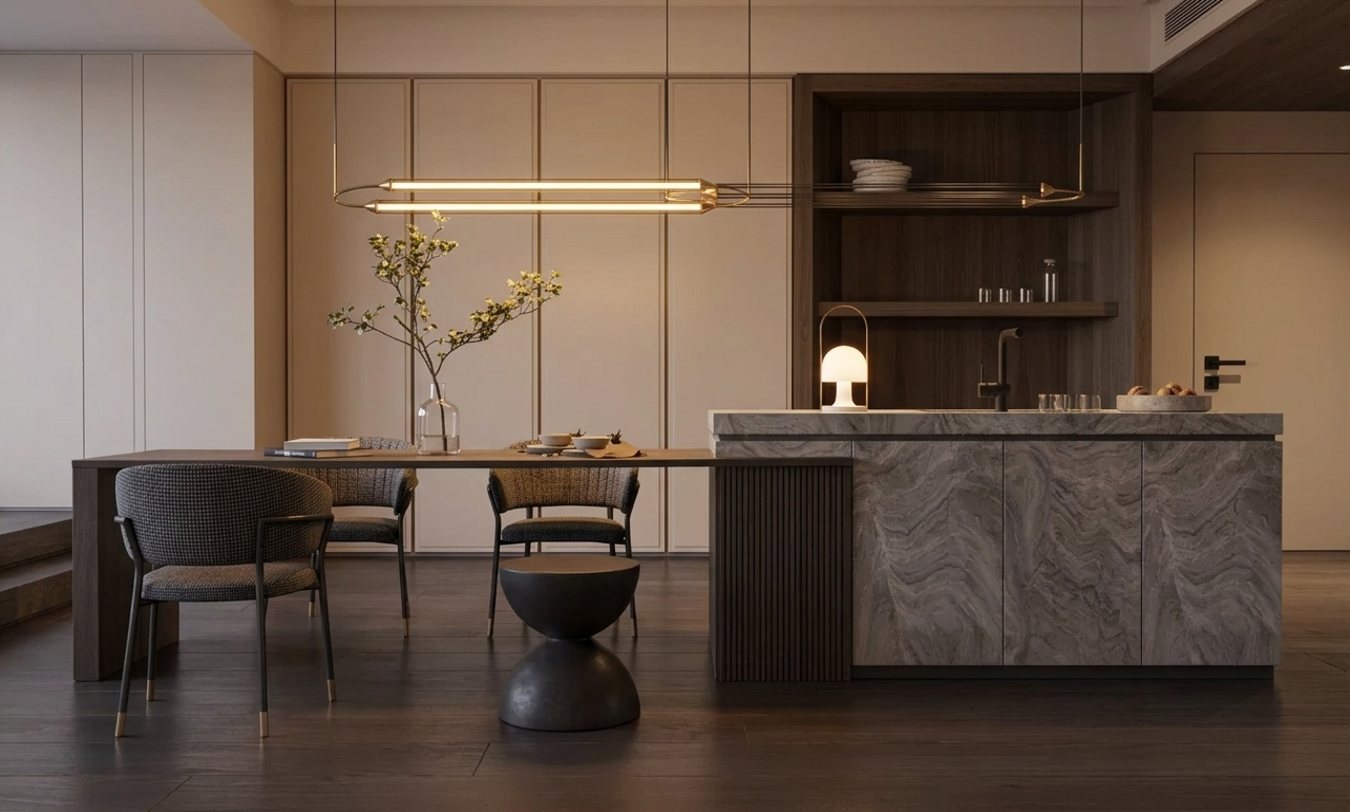
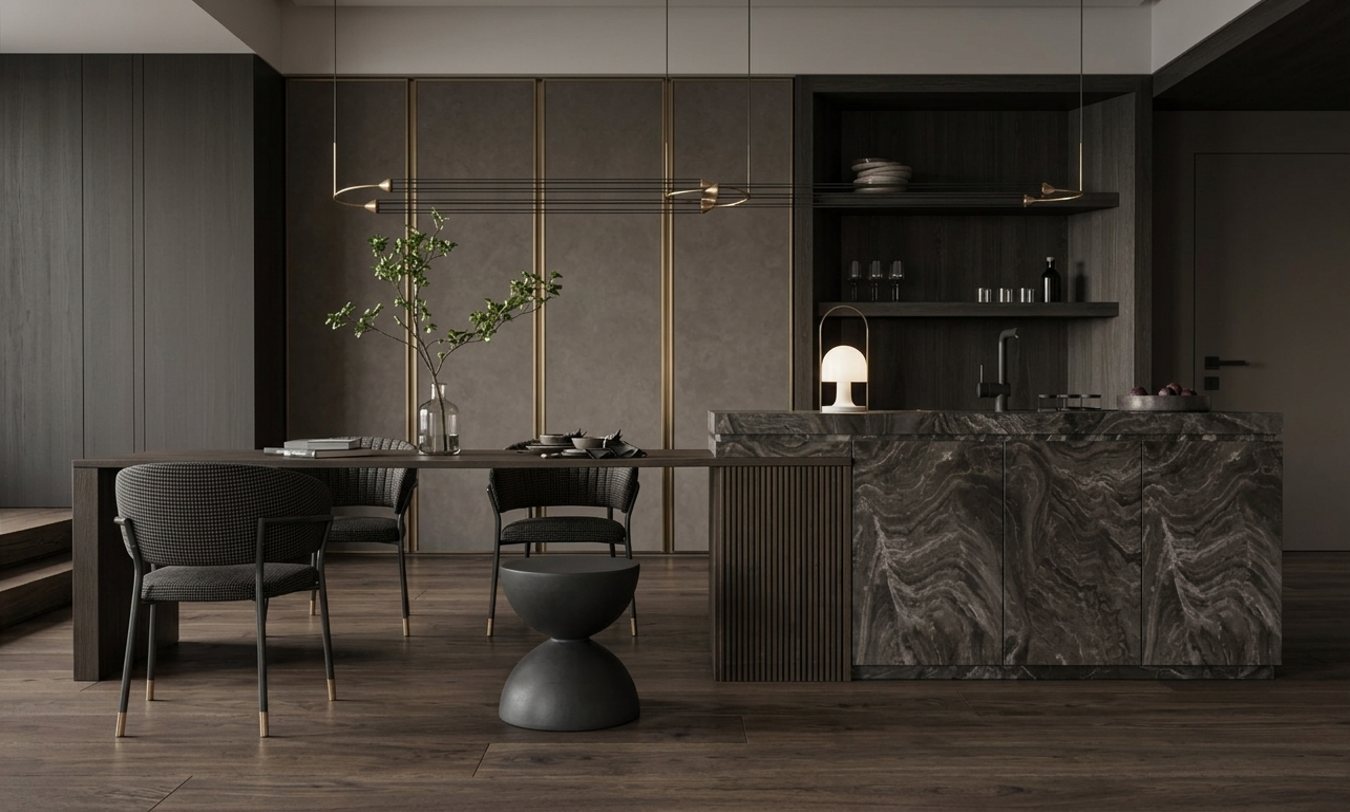
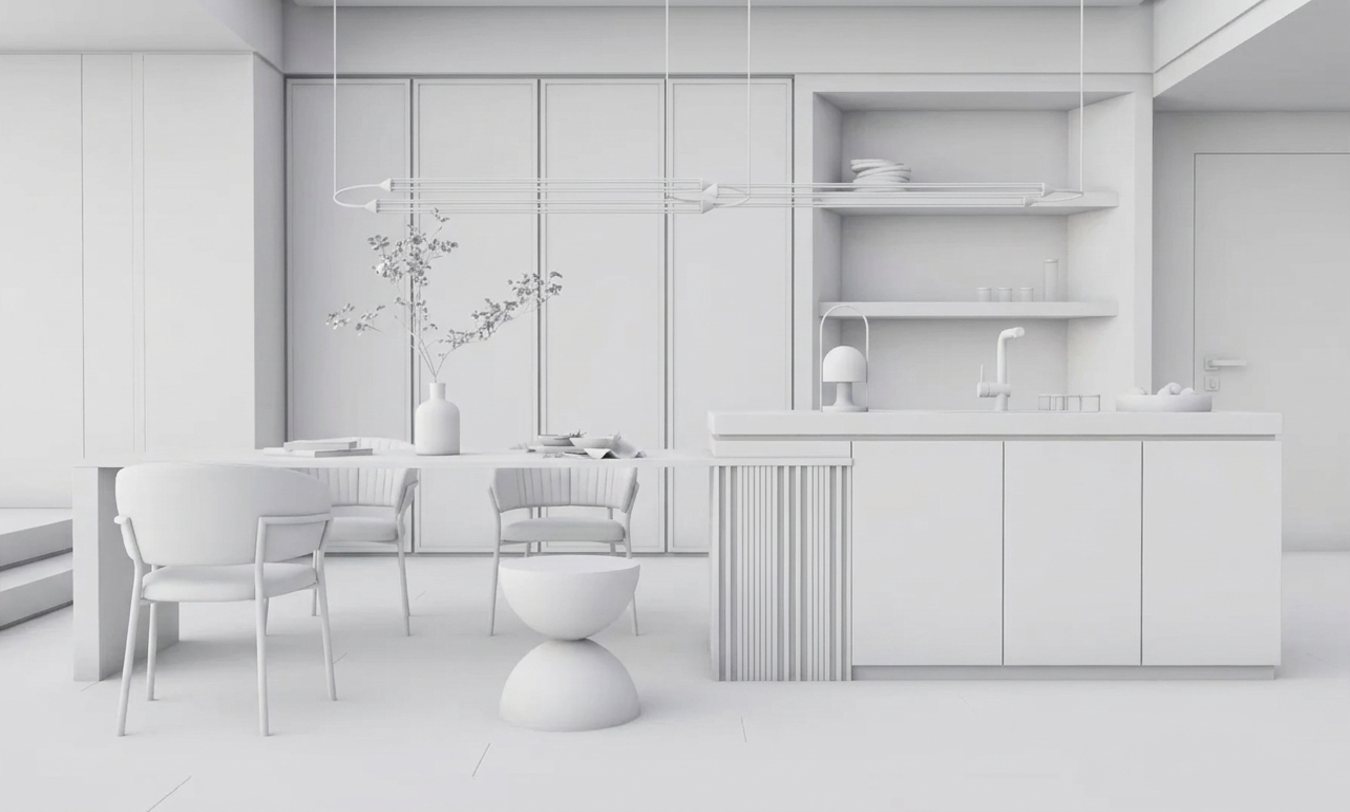
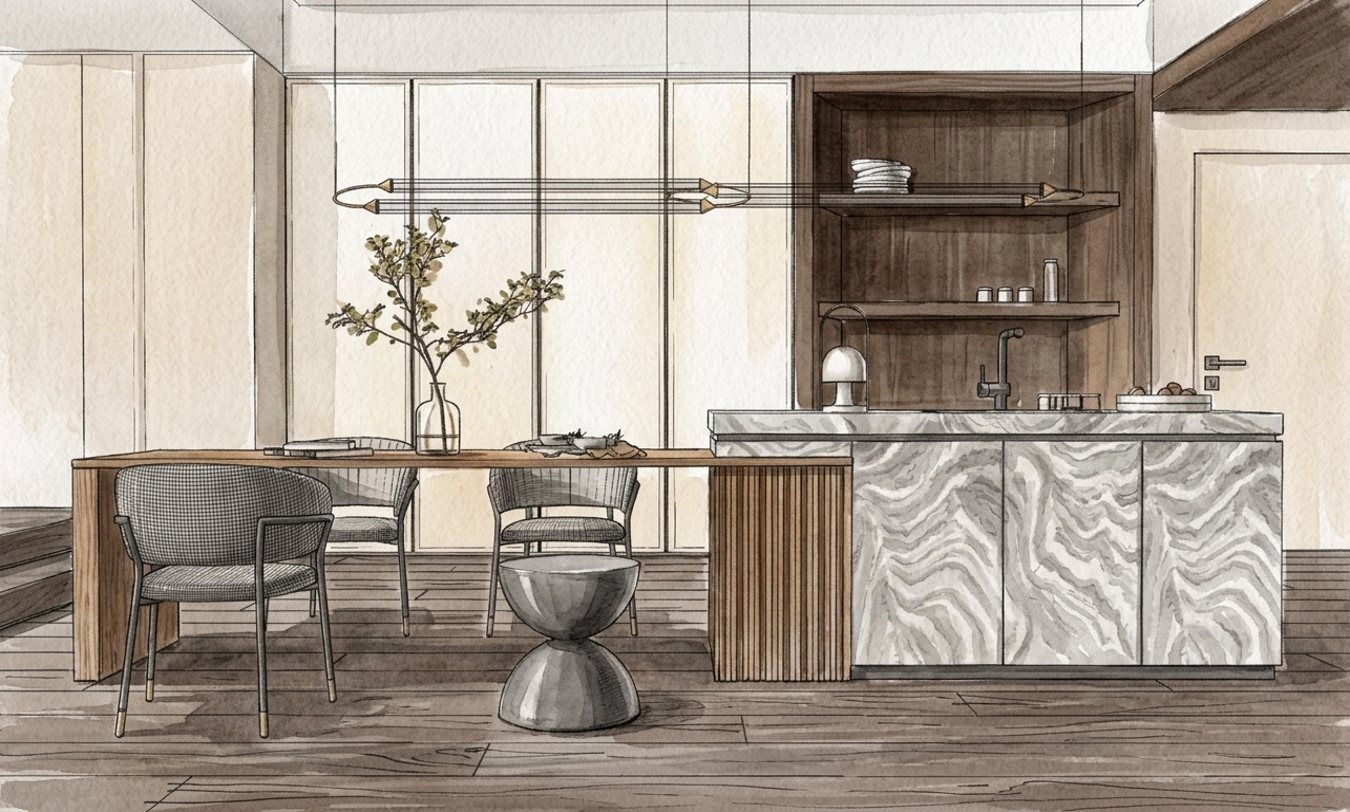
תארו במילים, למשל "בוקר מעונן, אור רך", או צרפו תמונת רפרנס.Describe it, like "overcast morning, soft light", or attach a reference image.
לנסות סגנונות וזוויות.Trying styles and angles.
לשיתוף על מסך ובהודעות.Sharing on screen and in messages.
למצגת ולהדפסה.Presentations and print.
מנסים קטן, מסיימים גדול. חמישה ניסיונות סגנון ב־1K עולים 300 קרדיטים, לעומת 950 ב־4K. בוחרים את המנצח ומרנדרים רק אותו ב־4K.Try small, finish big. Five style tries at 1K cost 300 credits, versus 950 at 4K. Pick the winner and render only that one at 4K.
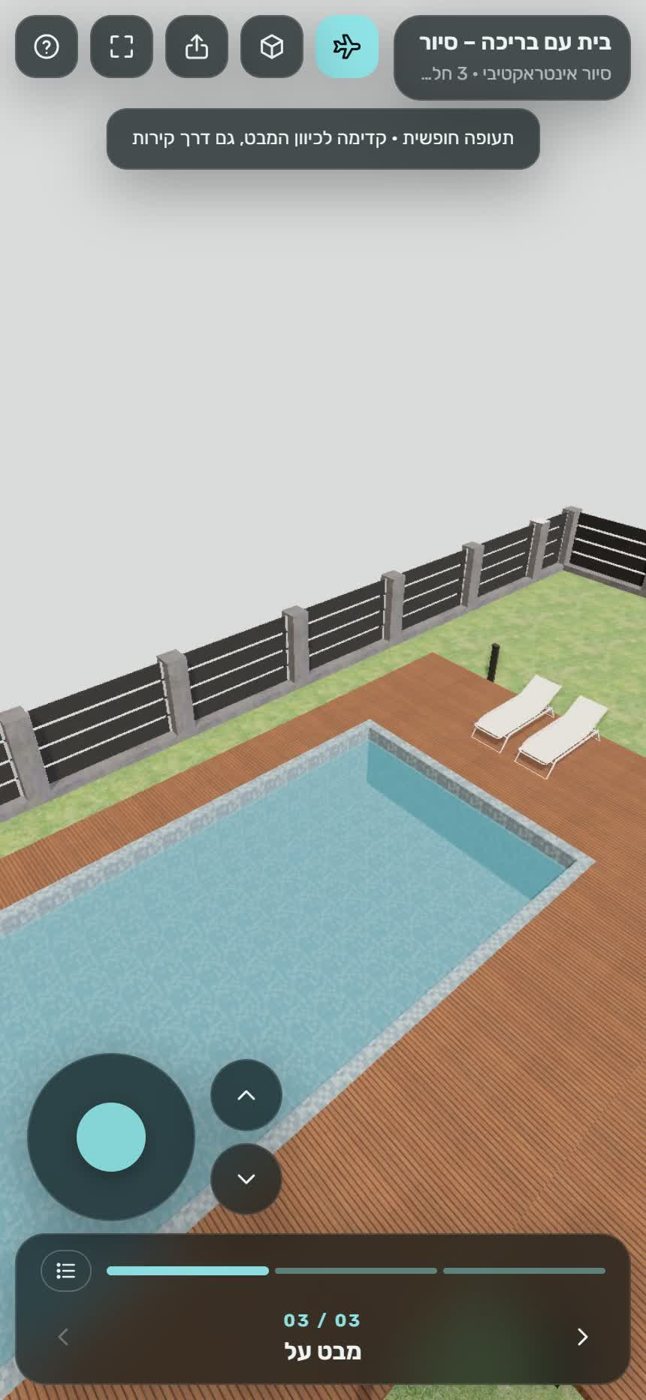
TOURZ הופך את המודל לסיור תלת־ממדי בקישור, שנפתח במחשב ובטלפון בלי התקנה ובלי אפליקציה.TOURZ turns your model into a 3D walkthrough at a link that opens on desktop and phone, with no install and no app.
מודל קל יותר יוצא זול יותר לפרסום, כי המחיר תלוי בגודל. פרסום סיור לא כלול בקרדיטים של ההתקנה.A lighter model costs less to publish, because the price depends on size. Tour publishing is not covered by the install credits.
יתרה אחת לכל הכלים, והמחיר תמיד ידוע מראש. כך זה עובד, ואיך לגרום לה להחזיק יותר.One balance for every tool, and the price is always known upfront. Here is how it works, and how to make it last longer.
 איך זה עובדHow it works
בערך מה נכנס בחודשRoughly what a month covers
רוב התשובות נמצאות בשאלות הנפוצות. ואם לא, כתבו לנו.Most answers are in the FAQ. If not, write to us.